1. Choose drink or wee
Start from two clear, colour-coded actions.
Quick wrist entry
Record a drink or measured wee from Apple Watch, adjust the amount with the Digital Crown and send the entry back to the paired iPhone journal.
The real Watch flow
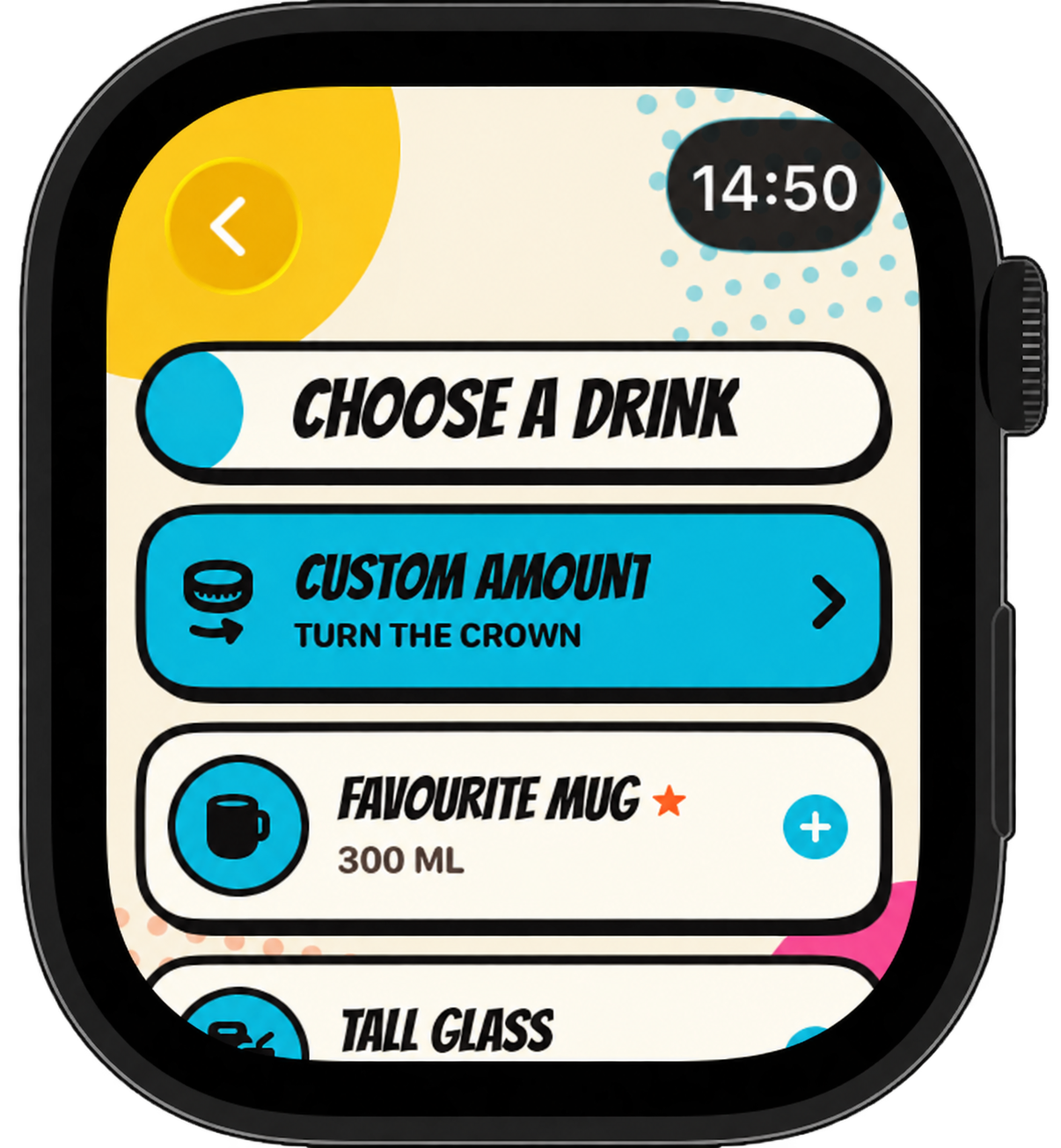
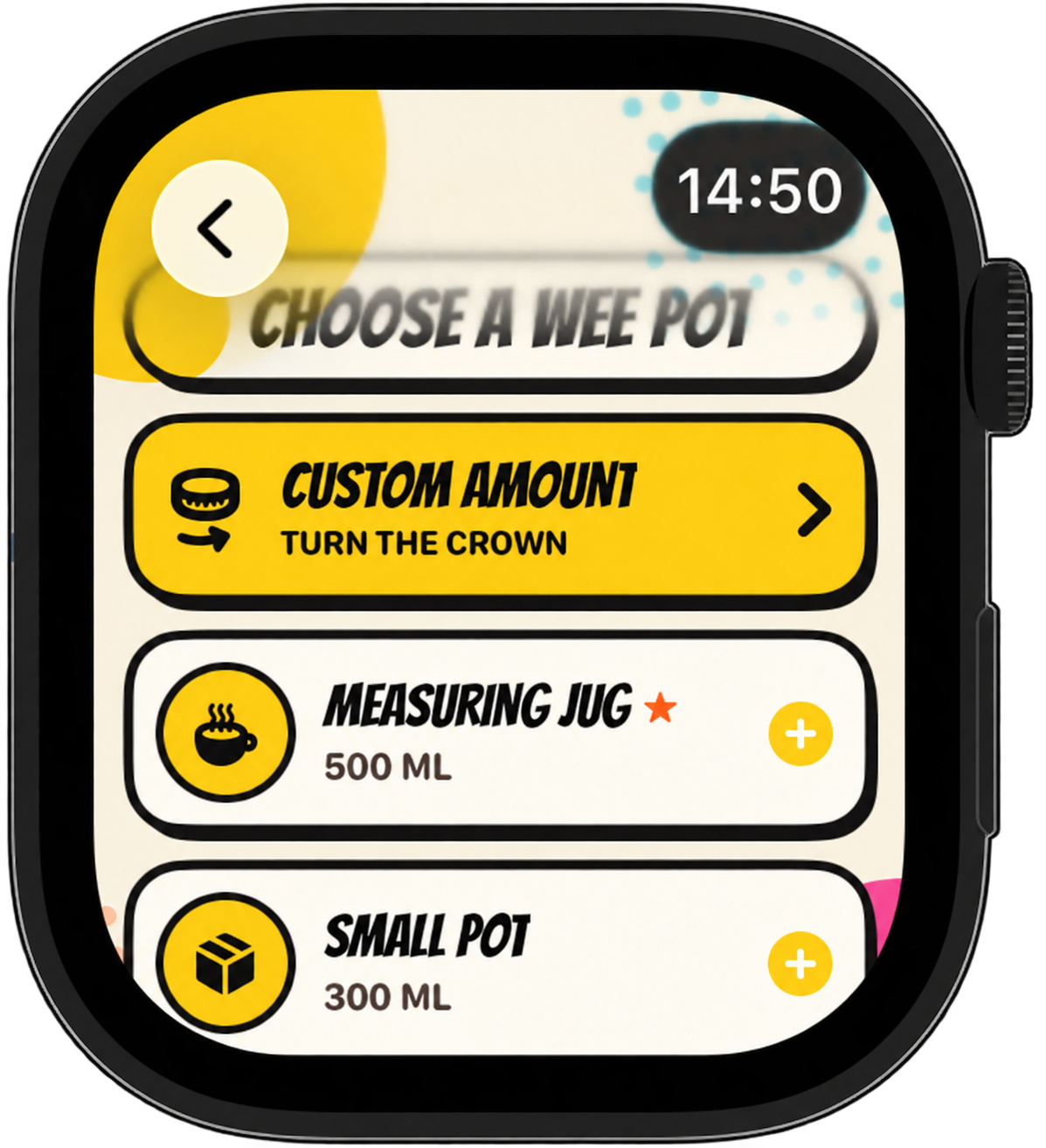
These are the current companion screens: start from Daily Splash, choose a saved container or custom amount, then confirm the entry.
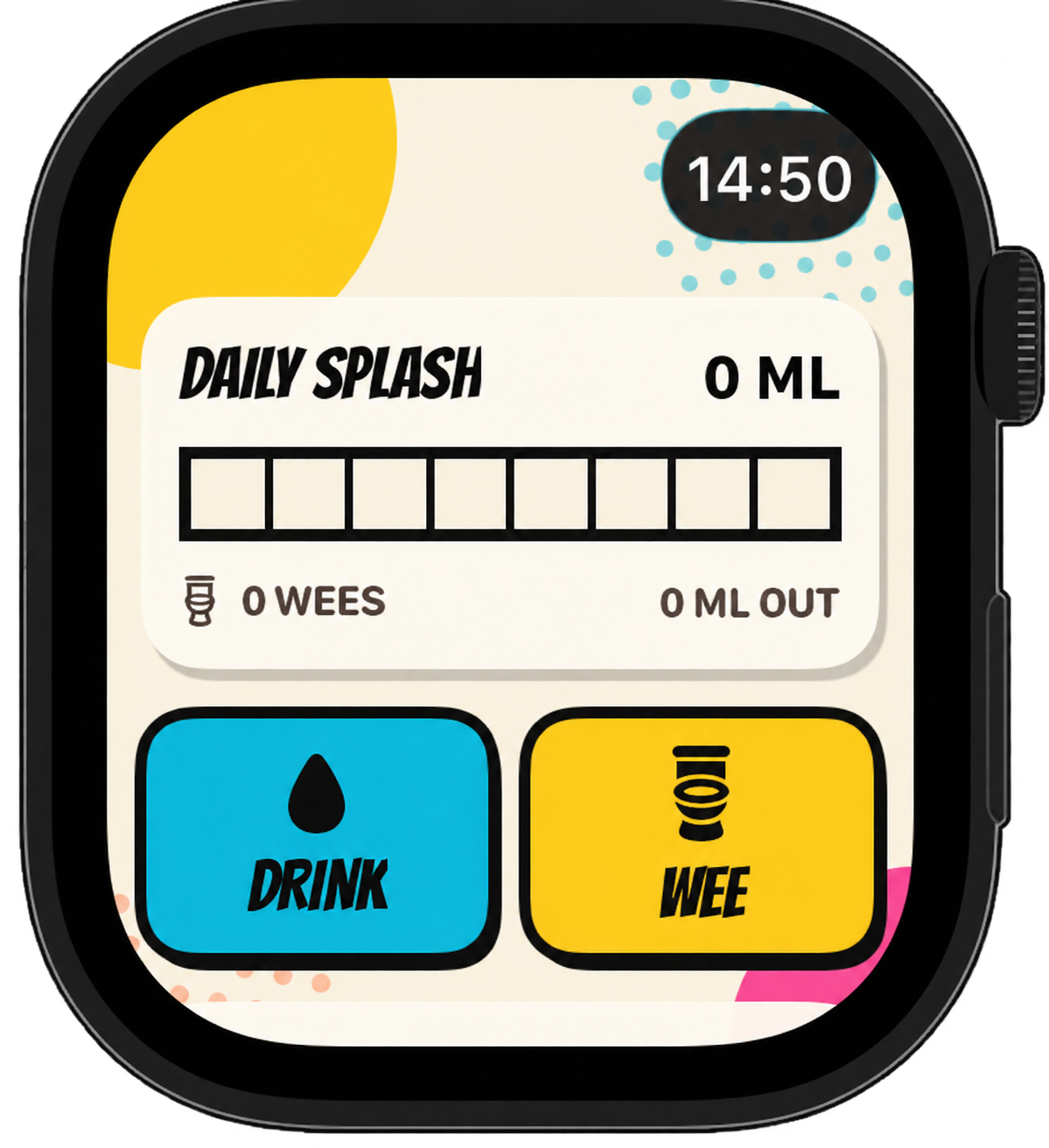
Start from two clear, colour-coded actions.
Your named cups, bottles and measuring containers come from the iPhone.
Increase or decrease the volume without typing on a tiny screen.
A wee entry can include the same labelled colour choices used on iPhone.
Automatic best-effort sync
The Watch and iPhone companion communicate through Apple’s WatchConnectivity framework. Pee & Pour does not store the journal in CloudKit or send it to an app-owned server.
The iPhone sends replaceable daily totals and kit details using application context.
When reachable, the Watch sends a new record directly and receives confirmation.
If the phone is unavailable, the Watch queues the record for background delivery when the devices reconnect.
A compact daily monitor
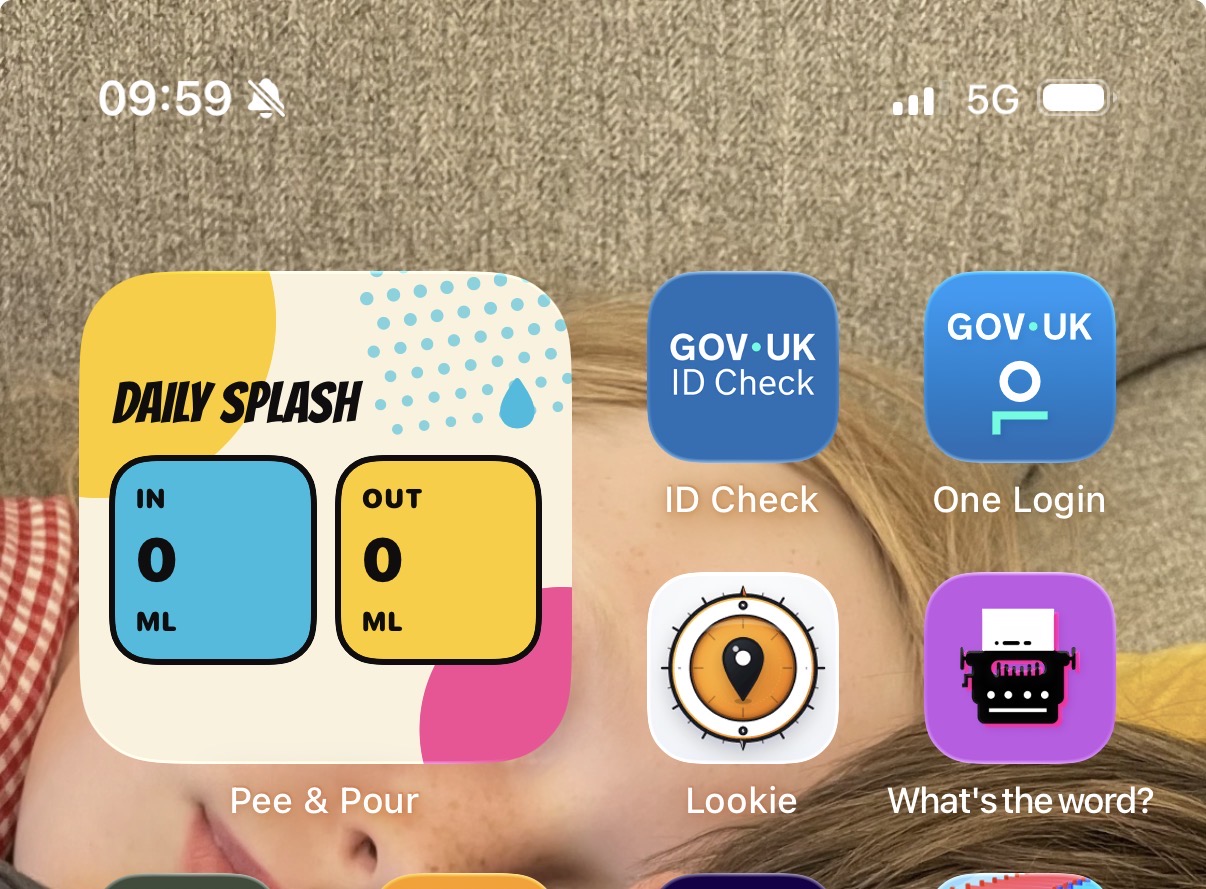
Daily Splash uses the app’s warm paper, black ink and cyan/yellow split without trying to squeeze the full iPhone dashboard onto a wrist.
| Included | Current-day aggregate totals, output count, daily reference and named kit details such as capacity and symbol. |
|---|---|
| Not transferred | Kit photographs, PDF reports, the complete historical journal or medication details. |
| Sent back | New drink or wee entry with time, volume, selected kit and optional urine colour. |
Watch-to-iPhone journal sync does not use Apple Health. If the user has enabled the option, the iPhone may write a supported water entry to HealthKit after accepting it. Pee and medication records stay in the Pee & Pour diary.
Included companion
The public App Store link and final compatibility details will be confirmed before release.