Apple Watch
Quick drink and wee entry using the same named kit.
A four-step tour
Pee & Pour is designed to make repeated logging fast at the moment it happens and readable when you return to it later.
Step 1
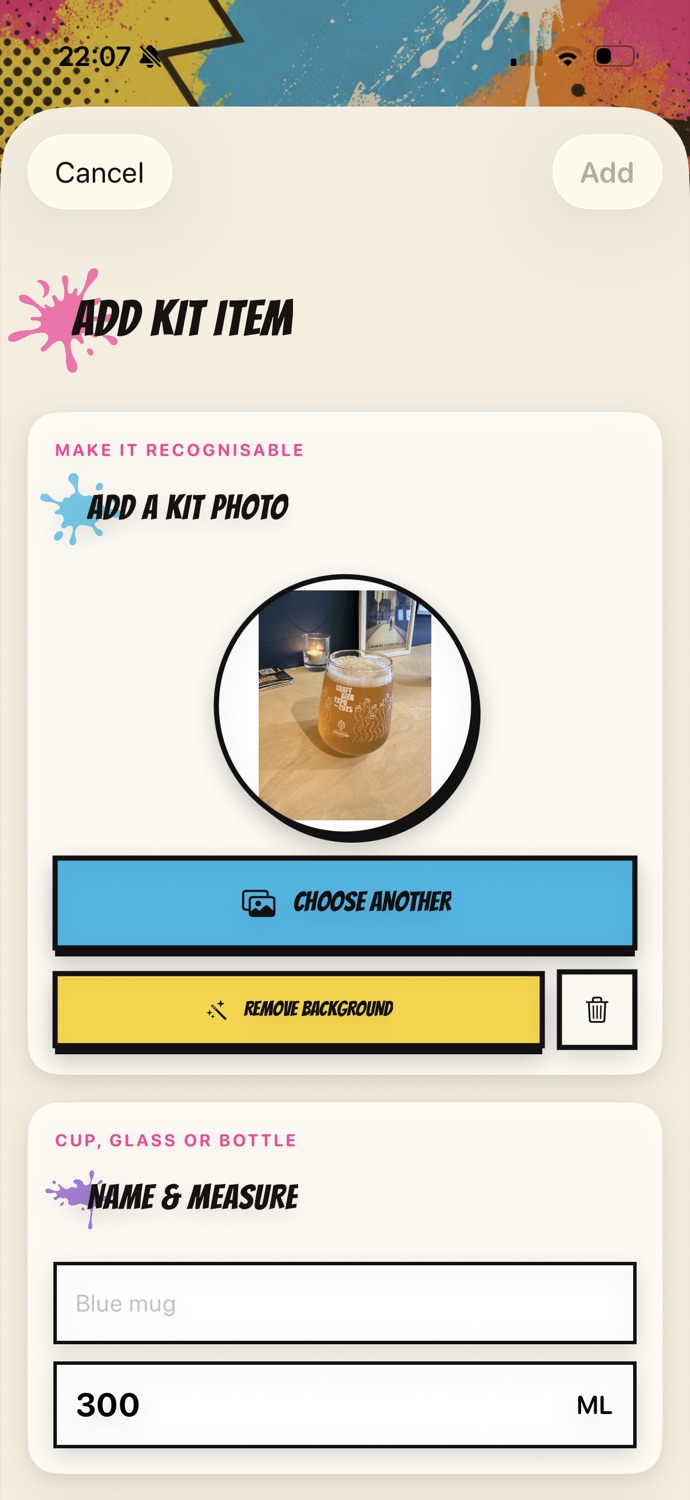
Add the cups, bottles, glasses and measuring pots that make sense in your day.
Step 2
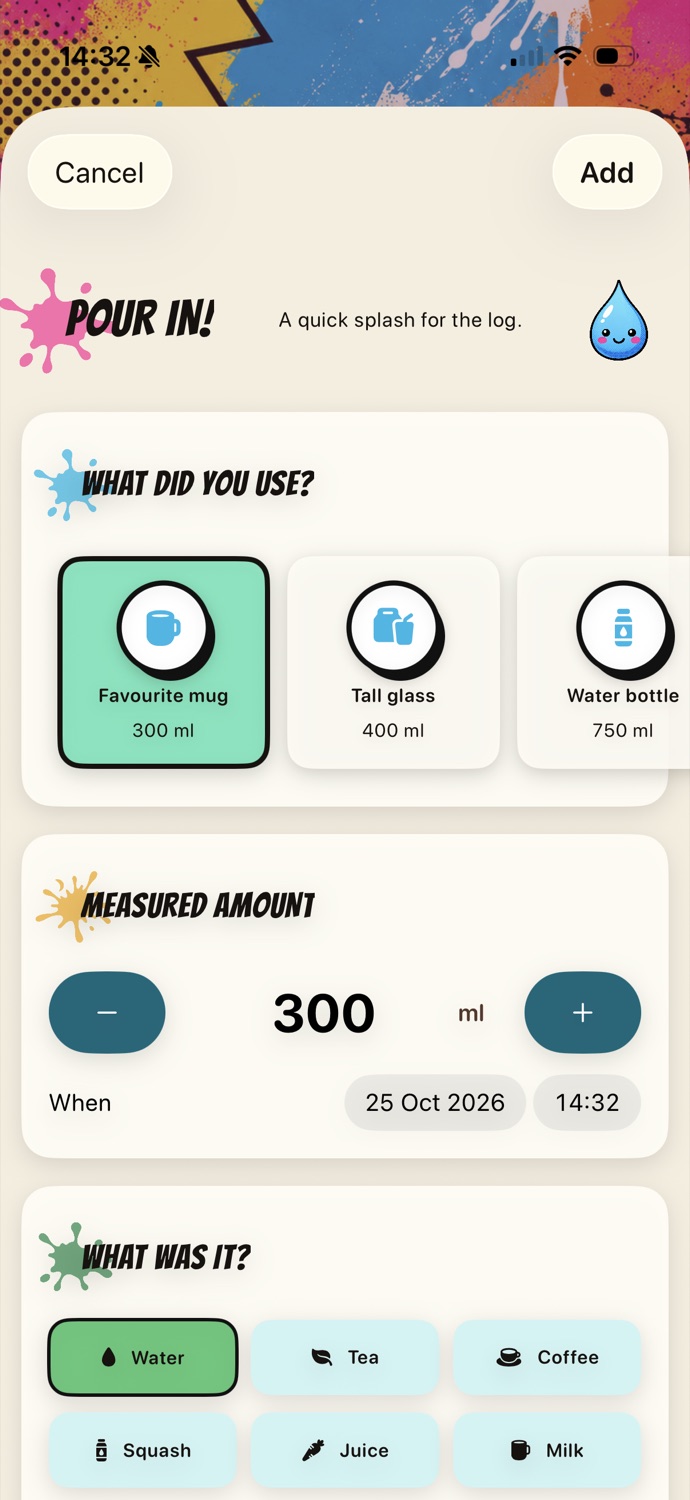
Pick the container, check the amount, choose the drink type and change the time if you are adding a missed entry.
The selected capacity is a convenient starting point, not a locked serving size. Every entry can be adjusted.
Step 3
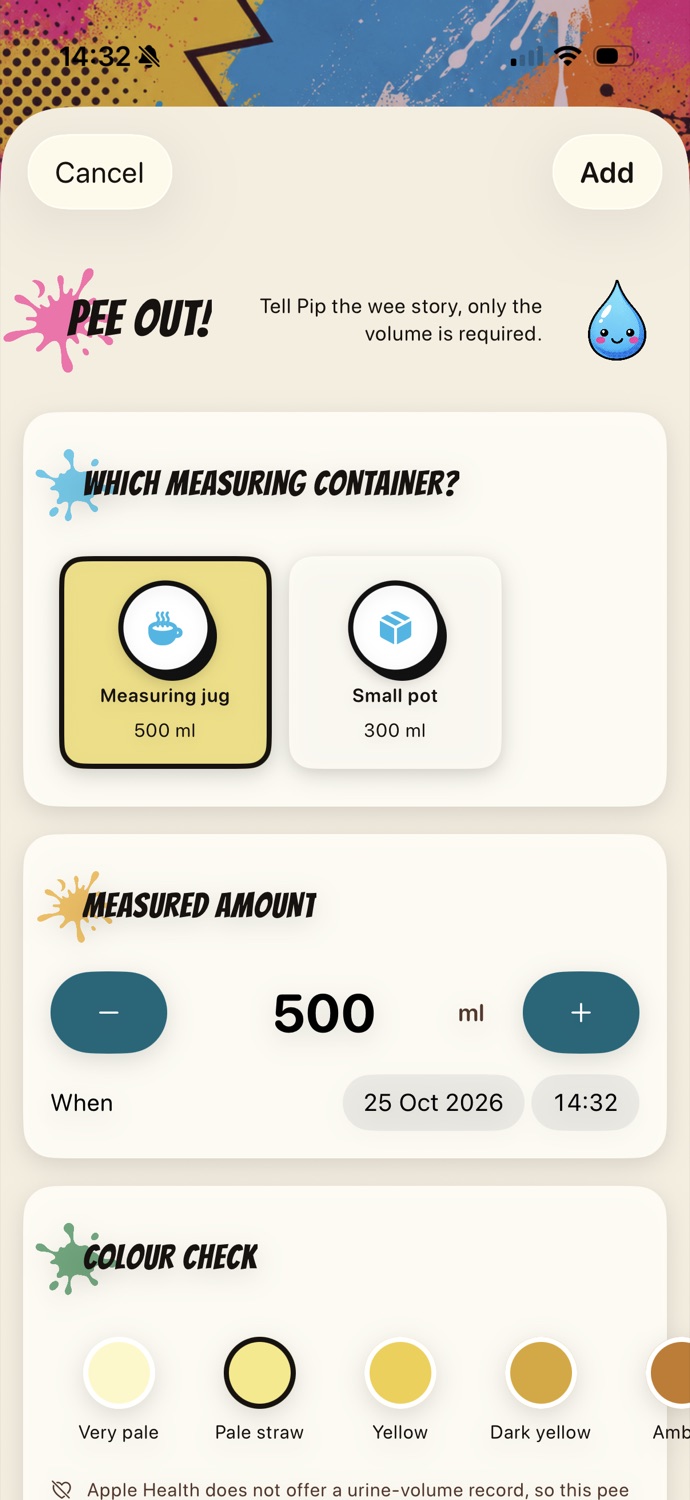
Time and volume create the essential record. Colour, flow and a note are there when they add useful context.
Labels accompany the colour choices, so colour is not the only way the options are communicated.
Step 4
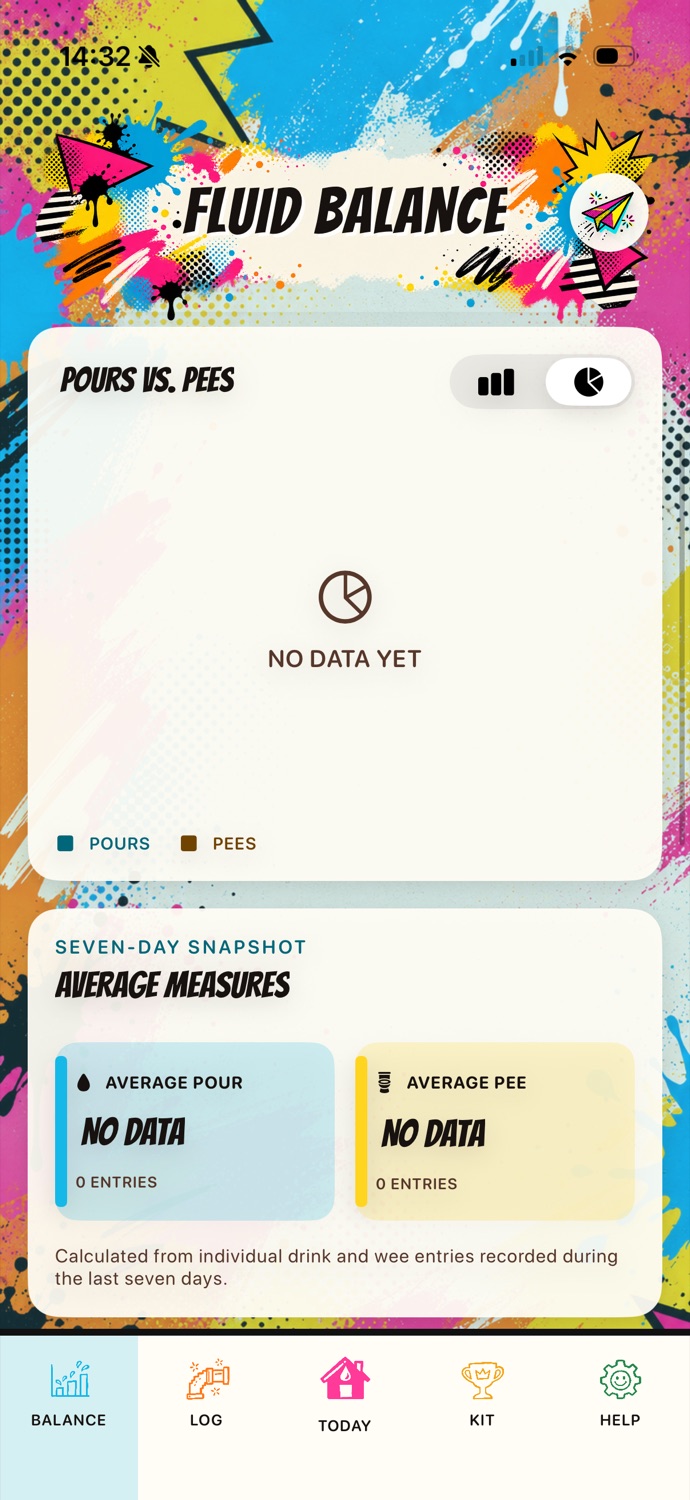
The Log holds the chronological record. Fluid Balance adds descriptive charts and averages. When needed, create a complete PDF journal and choose where to send it.
Useful extras
Quick drink and wee entry using the same named kit.

Add time, name, optional dose and a note beside the journal. It is not a reminder or prescribing tool.

Export a complete .pap JSON backup containing the journal, kit, photos, framing and preferences.
Optional Apple Health
Eligible water entries can be offered to Apple Health after permission. HealthKit has no urine-volume type, so wee and medication records stay in Pee & Pour.
That is the whole splash
The public App Store link, final price and launch-country details will be added before release.