Water tracker
Usually focuses on intake goals, reminders and encouragement to drink more.
Intake and output together
Pee & Pour records what went in and what came out. Review the journal through clear charts, averages and time patterns without turning the result into medical advice.
Your recorded pattern
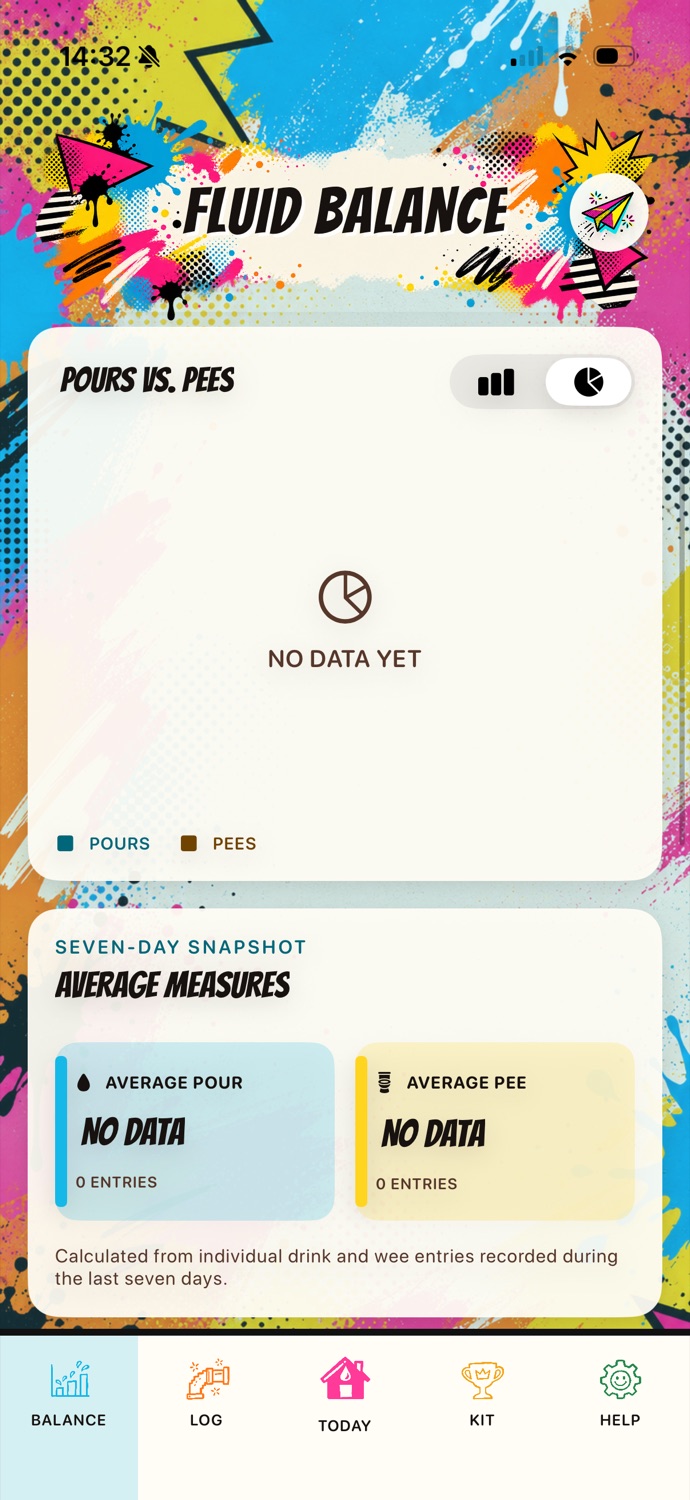
Choose a comparative bar chart or a simple pie view. Beneath it, see average recorded pour and pee volumes plus a time-of-day pattern grouped into three-hour windows.
The important distinction
Usually focuses on intake goals, reminders and encouragement to drink more.
Records both fluid intake and urine output so the two sides can be reviewed together.
Combines the practical diary job with quick containers, Apple Watch entry and a friendlier visual experience.
Record first, review later
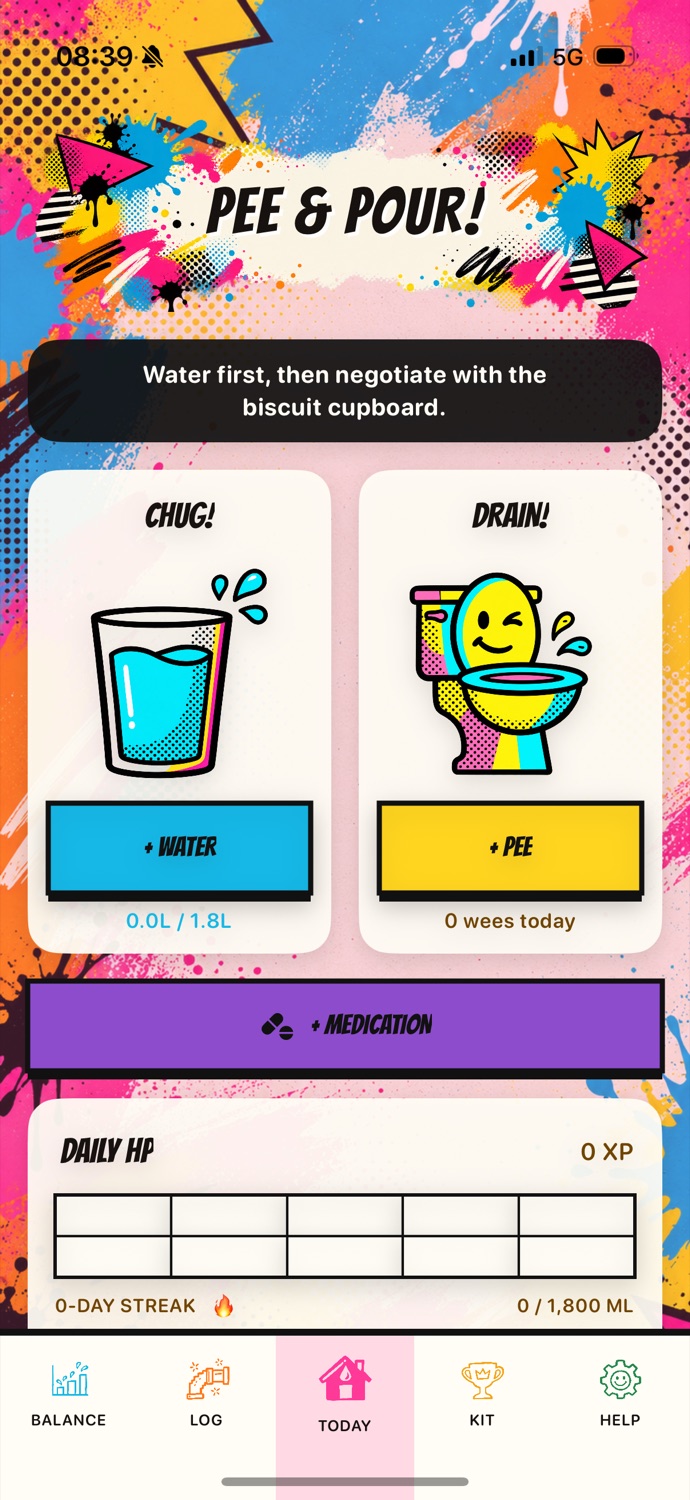
Quick actions and reusable containers reduce repeated typing. The Log keeps a chronological record, while Fluid Balance provides a descriptive overview.
The Balance screen does not diagnose dehydration, calculate kidney function, identify infection or decide whether a person’s intake and output are healthy. Missing or estimated entries can affect every summary.
Its purpose is to make the user’s own recorded journal easier to review and, if they choose, easier to discuss with a healthcare professional.
Same source of truth
Daily totals come from the iPhone journal. The Watch receives current state through WatchConnectivity; widgets receive only a privacy-sensitive aggregate snapshot.
Your intake-and-output journal
The public App Store link and final release details will be added before launch.